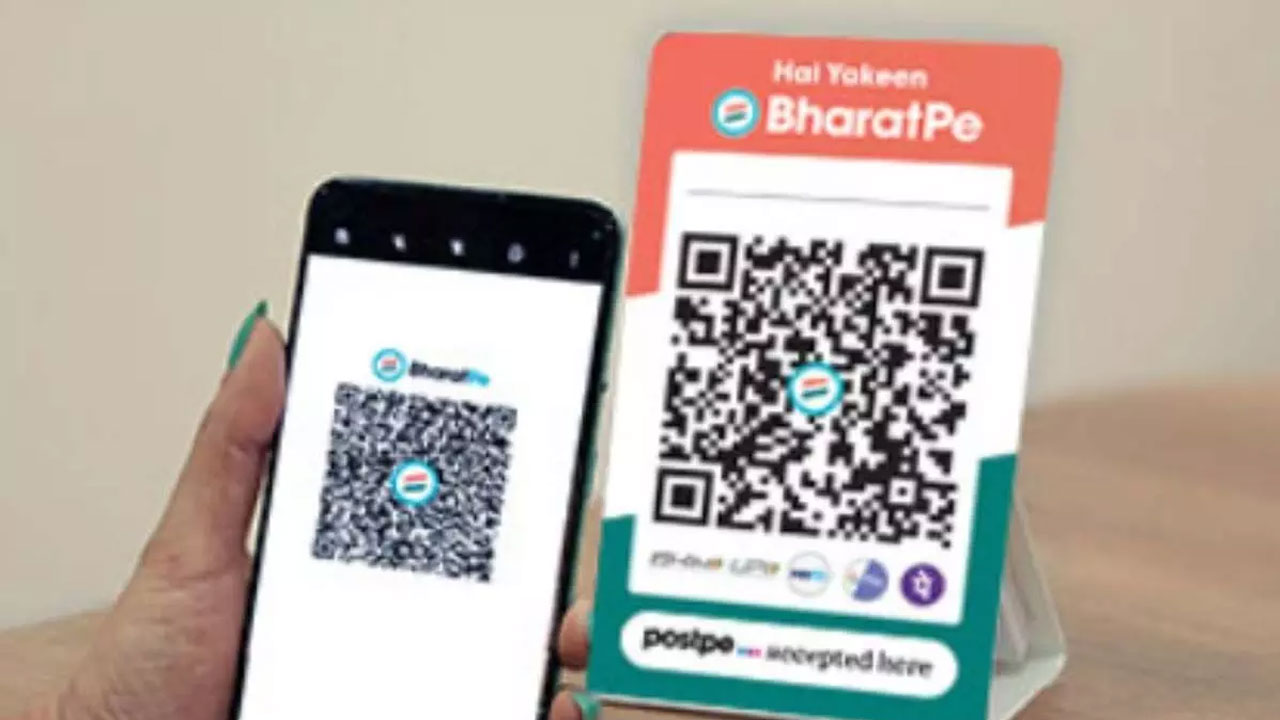
BharatPe QR code setup
How to Set Up Your BharatPe QR Code:
Download the BharatPe App – Install “BharatPe for Business” from the Google Play Store or Apple App Store.
Register Your Account – Sign up using your mobile number, verify with OTP, and enter business details.
Generate Your QR Code – Go to the “QR Code” section in the app and create your unique QR code.
Receive Your QR Kit – BharatPe will send a QR kit, including a stand for easy display.
Start Accepting Payments – Place the QR stand at your counter, and customers can scan and pay via any UPI app, with funds credited directly to your bank account—100% fee-free.
Enjoy fast, secure transactions with BharatPe and focus on growing your business. Get started today









Post a comment