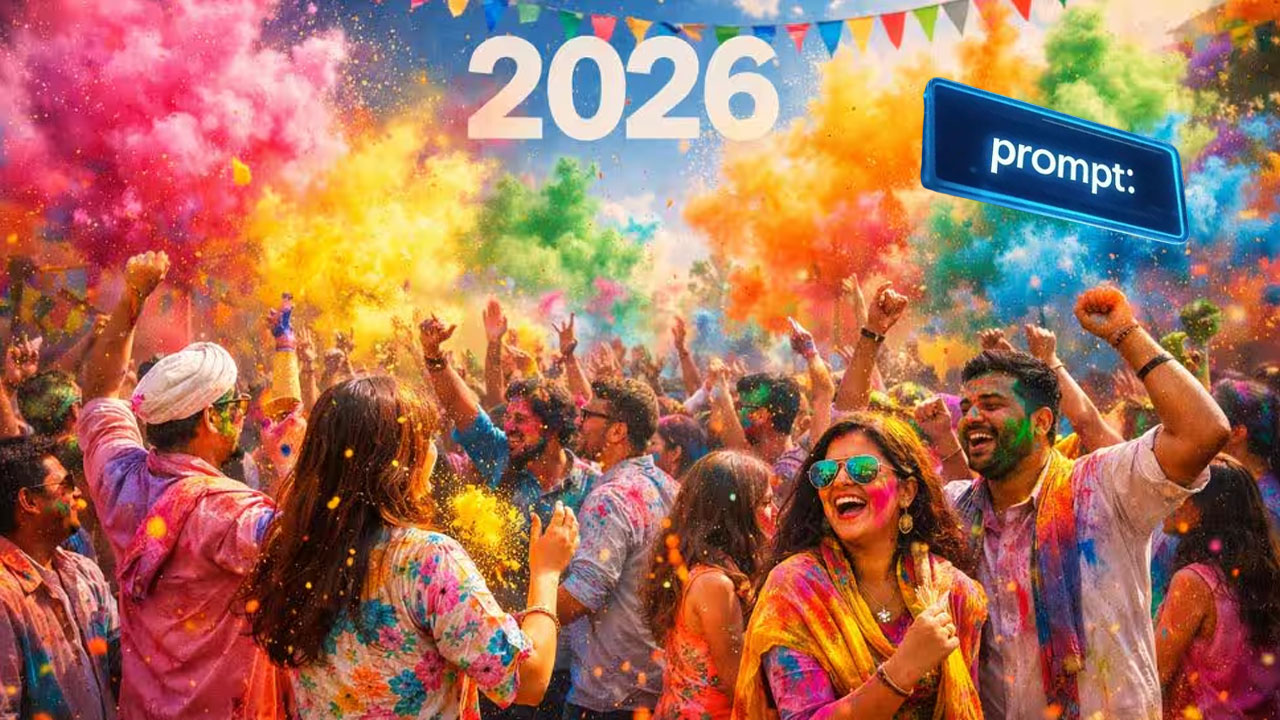
Holi 2026 AI Photos
New Delhi: As Holi 2026 approaches, AI generated festive photos are rapidly gaining popularity across social media platforms. Many users are now transforming their regular pictures into colorful Holi themed images using artificial intelligence tools.
One of the easiest ways to create such images is by using Google Gemini AI, which allows users to generate stylized festival photos with simple prompts. With the right prompt and a clear image, anyone can produce visually striking Holi themed pictures within seconds.
Create Your Holi Style Photo with Gemini AI
If you want to give your photos a vibrant Holi makeover, simply upload your picture to Gemini and provide a descriptive prompt. The AI tool will then generate a customized image featuring traditional Holi elements such as gulal colors, festive backgrounds, and cinematic lighting.
These AI generated Holi images are currently trending online, with thousands of users sharing their colorful creations across platforms.
Which AI Tool Works Best?
Google Gemini offers powerful image generation capabilities that allow users to modify their photos into different visual styles. The Nano Banana 2 model can be used to generate high quality images based on detailed prompts.
However, users should note that even advanced models may sometimes alter facial details. To avoid this, it is recommended to upload a clear photo taken in good lighting conditions. Including instructions in the prompt to preserve facial identity can also improve results.
Steps to Create Holi 2026 AI Photos
- Follow these simple steps to generate your own Holi themed images:
- Open the Google Gemini website or mobile app.
- Upload the photo you want to transform.
- Enter a detailed prompt describing the Holi style you want.
- Generate the image and review the output.
- If needed, adjust the prompt or try a different variation.
With a little experimentation, users can easily create vibrant and creative Holi photos suitable for sharing on social media.
Sample Gemini AI Prompts for Holi Photos
Users can try prompts such as:
- Street Style Action Shot: Create a dynamic Holi street festival scene with colorful gulal clouds and a white kurta outfit.
- Holi Fashion Portrait: Generate a luxury Holi celebration photo with modern styling and colorful powder effects.
- Morning Holi Terrace Scene: Produce a bright morning portrait with traditional Holi colors in a festive environment.
- Royal Palace Holi Scene: Recreate a royal Holi celebration inside a heritage palace with dramatic color splashes.
- Classic Bike Look: Create a cinematic Holi entry scene featuring a motorcycle and vibrant festival colors.
While generating these images, users can instruct the AI to strictly preserve facial identity so that the final output closely matches the original photo.





Post a comment